At a glance: Built a selective fallback-image system for editorial posts without featured images, preserving the existing content model while making high-volume archive pages feel intentionally curated.
The Context
A global enterprise technology company operated public-facing WordPress editorial properties with a high volume of posts. Some posts intentionally had no featured image. Adding one solely for archive-card presentation could interfere with the established editorial and SEO approach.
The site still needed those posts to feel visually complete in archive and “Load more” views. The challenge was to provide a scalable fallback without turning image management into a required publishing task.
The Challenge
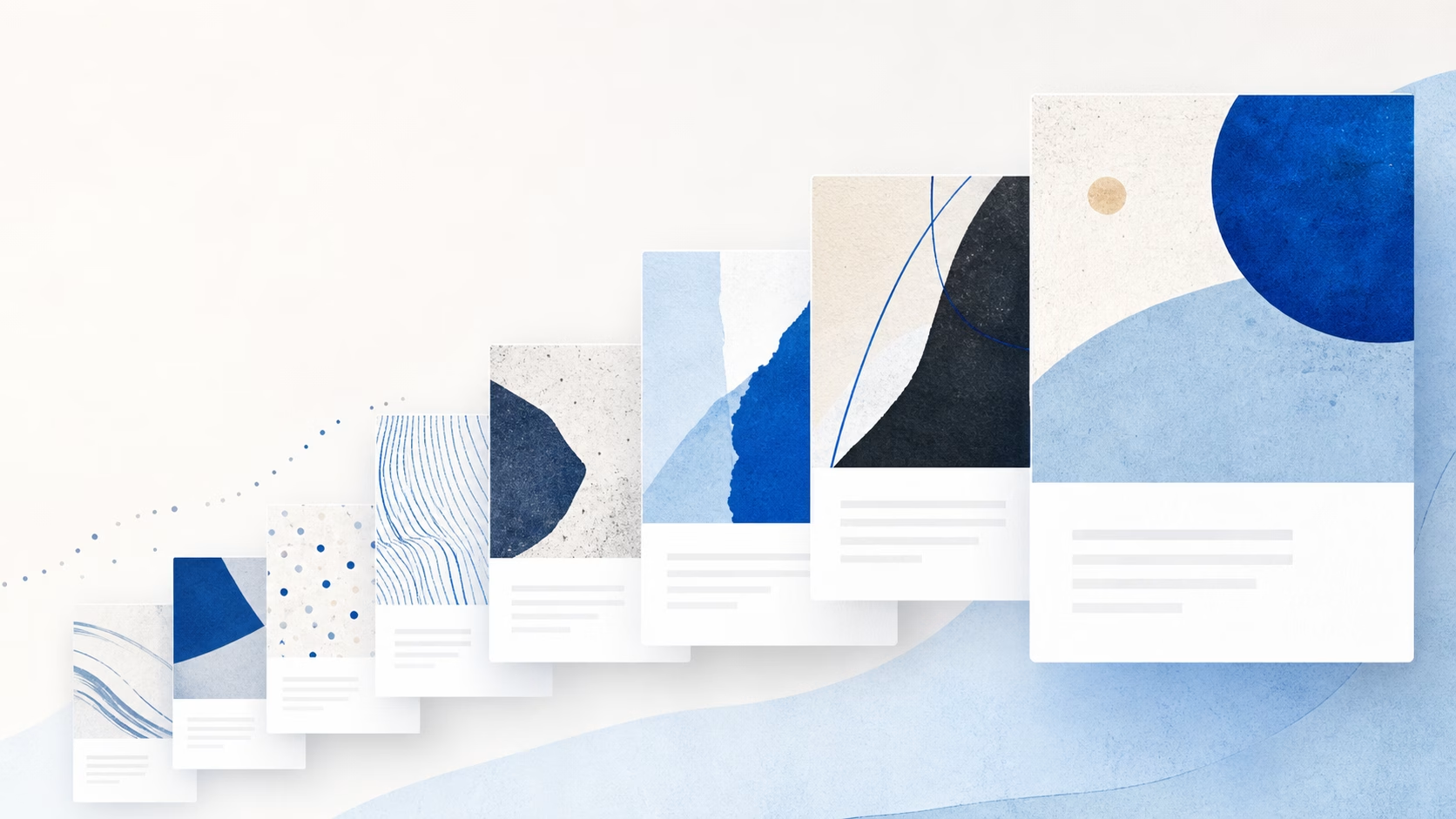
The risk became clear in the worst-case scenario: a page of 15–20 visible posts where every post lacked a featured image. A single branded fallback image would make the archive feel repetitive and obviously automated. Randomly selecting from a set of abstract images was not sufficient either: it could create visible repeats in the viewport, repeat across “Load more” boundaries, or change a post’s visual after refresh.
- Show an abstract fallback only when a post has no custom featured image
- Avoid visible repetition among images already in the reader’s viewport
- Handle archive pagination and repeated “Load more” requests gracefully
- Keep the selected fallback stable while allowing an editor to change it deliberately
- Scale with the available pool of approved abstract images
My Role
Technical lead for the plugin’s architecture and development, engaged through an enterprise WordPress agency. I led requirements analysis, algorithm design, WordPress integration, implementation, and deployment.
The Technical Solution
Selective Fallback, Not a Replacement for Featured Images
The plugin only supplied an abstract image when a post did not have a custom featured image. If an editor selected a featured image, it remained the post’s visual. This preserved the established editorial workflow and avoided making a featured image mandatory just to satisfy archive-card presentation.
A Viewport-Aware Image Buffer
Rather than assigning a single generic placeholder or relying on unbounded randomness, the plugin maintained a buffer of recently used fallback images. The buffer was sized relative to the available image pool at a 1:3 ratio, allowing the selection logic to adapt as approved images were added or removed.
Before choosing a fallback, the plugin excluded images that were still in the active buffer. Once the eligible pool had been exhausted, the buffer could be reset and the cycle could continue. This prevented immediate repetition while accepting that reuse becomes appropriate after enough additional content has appeared.
“Load more” and Pagination Handling
“Load more” was treated as a reader-experience problem, not simply a pagination event. The selection logic accounted for the images already visible in the reader’s viewport, so newly loaded cards did not immediately repeat the fallback imagery above them. An image could recur after two or three subsequent load-more interactions, but only after it had moved far enough from its earlier use that the page still felt varied and intentional.
Editorial Control and Stable Selection
The system did not leave the final result to a changing random value. Editors could see the abstract fallback selected for a post without a featured image. If the selection was suitable, saving the post preserved it. A manual refresh mechanism also allowed an editor to request a different approved abstract fallback when needed.
This gave the editorial team an override path without making fallback-image decisions part of every publishing workflow.
Engineering Considerations
- Hook-based WordPress architecture, integrated with the existing editorial and template workflow
- Selective fallback behavior that never overrides a custom featured image
- Buffer sizing that adapts to the total approved image pool
- Viewport-aware handling for archive, pagination, and “Load more” experiences
- Editor-visible selection, manual refresh, and save-time persistence for deliberate control
- Designed for high-volume editorial use without requiring an image-management step for every post
The Outcome
Posts without featured images could appear as visually complete archive cards while preserving the platform’s existing editorial and SEO approach. Readers saw varied abstract imagery instead of a repetitive placeholder, even as they loaded additional content.
Editors retained control when it mattered: they could use a custom featured image, keep the selected abstract fallback, or refresh it before saving. The result was a scalable fallback system that made the archive experience feel curated without adding unnecessary work to the publishing process.
Frequently Asked Questions
Why not use one branded fallback image?
A single fallback works for an occasional missing image, but it becomes visually repetitive when many posts appear together without featured images. A managed pool of abstract images made the archive feel more like an editorially considered experience.
Did the plugin replace editors’ featured images?
No. A custom featured image always took precedence. The plugin only supplied an abstract fallback when no featured image was present.
Could editors control the fallback image?
Yes. Editors could view the selected abstract fallback, save it if it was suitable, or use a manual refresh mechanism to request a different approved option.
How did it avoid obvious repeats while readers loaded more posts?
The plugin used a viewport-aware buffer of recently used images. New cards avoided images that were still visually nearby, while reuse was allowed only after enough additional content had appeared for the archive to continue feeling varied.
Explore custom WordPress plugin development or learn about ongoing engineering support.